
Traffic Rider for PC: Windows 10/11 Setup Guide
Traffic Rider is built for phones, but plenty of riders want a bigger screen, steadier controls, and an easy way to record their runs. The good news is that Traffic Rider for PC is possible through an Android emulator, and in some cases through Google’s own Play Games service for Windows. This guide explains each route, the system requirements, how to set up keyboard controls, how to fix common problems, and which safety checks matter before you install anything.
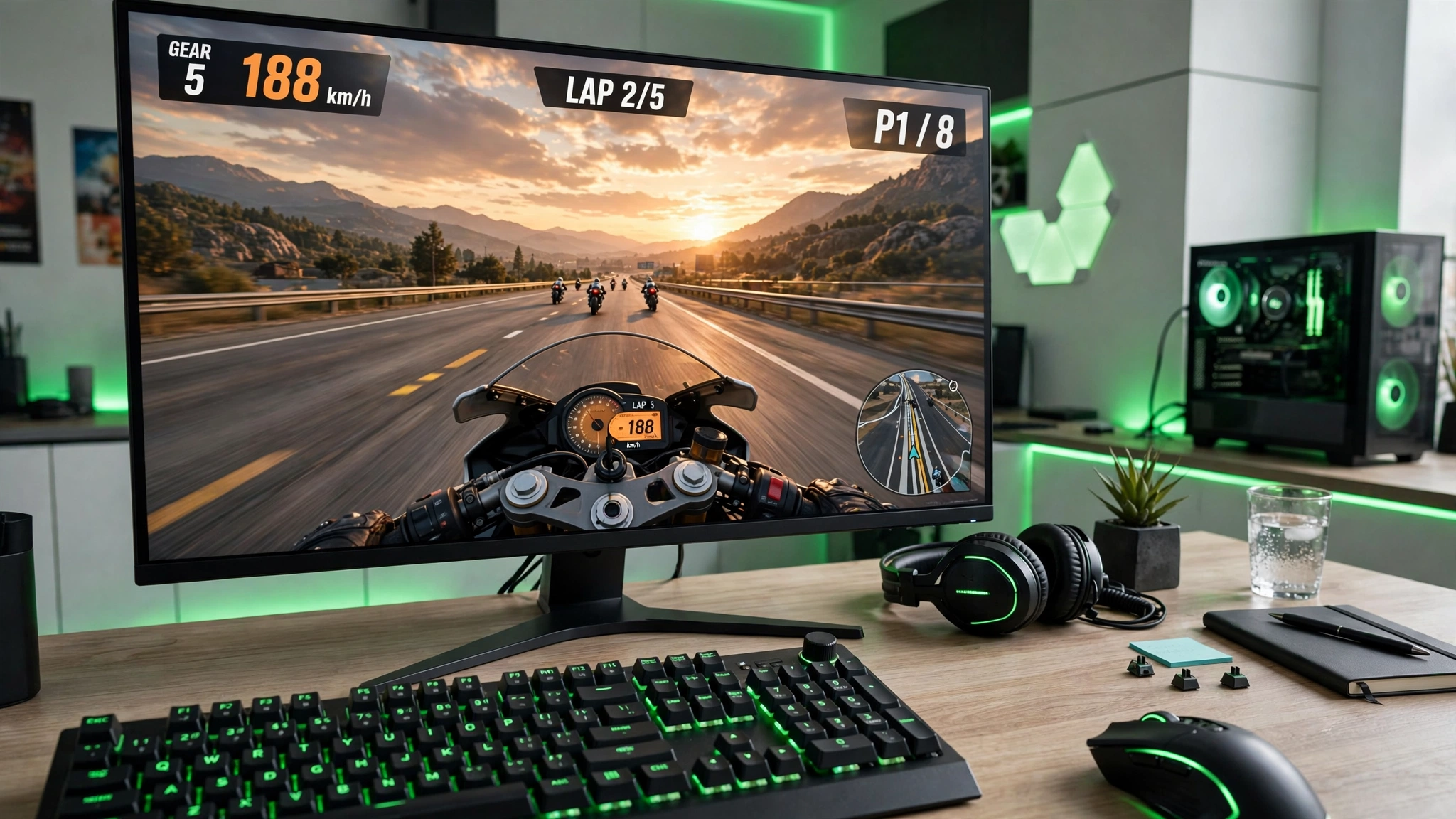
Can You Play Traffic Rider on PC?
Yes, with the right setup. The game is an Android title from skgames, so a desktop computer needs something that can run Android apps. There are two main ways to do that: Google Play Games on PC, where the game is listed for Windows, or an Android emulator such as BlueStacks, MuMu Player, MEmu, or LDPlayer. Mac users normally need an emulator, because Google Play Games on PC is a Windows product.
Be careful with websites that offer a standalone “desktop edition” as an EXE file. Treat any installer that claims to be an official desktop release with suspicion. The safest place to confirm what the developer supports is the game’s official Google Play page.
Traffic Rider for PC Methods at a Glance
| Method | Best for | What you need |
|---|---|---|
| Google Play Games on PC | Official install and automatic updates | A supported Windows PC and a Windows listing for the game |
| Emulator with Play Store | Windows or Mac users who want the official Android build | A trusted emulator and a Google account |
| Emulator with APK | Installing an Android package by hand | An emulator and a verified APK file |
Method 1: Google Play Games on Windows
Google Play Games on PC is the cleanest route when it supports the game on your account and in your region. It installs the official version, ties updates to Google Play, and avoids importing files by hand. Before you plan around it, check the game’s Google Play page and confirm that a Windows option is shown.
- Download Google Play Games for PC from Google and install it.
- Sign in with your Google account.
- Search for Traffic Rider in the library.
- If it is listed, install it and let the compatibility check finish.
- Launch the game and review the keyboard controls before starting a mission.
Google’s published requirements for its PC service have included Windows 10 version 2004 or later, a solid-state drive with 10 GB of free space, 8 GB of RAM, a graphics chip comparable to Intel UHD Graphics 630, four physical CPU cores, an administrator account, and hardware virtualization turned on. These requirements can change, so confirm them on Google’s support page before installing.
Method 2: Play Through an Android Emulator
An emulator creates a virtual Android phone inside Windows or macOS. This route suits you when the official PC option is unavailable, when you want control over resolution and key mapping, or when you need to install an APK by hand. Download the emulator only from its developer’s own website. Repacked installers from download mirrors are a common way to pick up unwanted software.
Once the emulator is running, sign in to Google Play and install the game from the store, exactly as you would on a phone. This is the most common way to set up Traffic Rider for PC when the official service is not available to you.
Best Emulators Compared
BlueStacks
A widely used Android app player with key mapping, graphics controls, and multi-instance tools. Its own listing for the game names Windows 7 or later and macOS 11 or later as supported systems.
MuMu Player
An emulator that installs games through the Play Store and supports key mapping and running several instances at once. It is worth trying if BlueStacks runs poorly on your hardware.
MEmu
A Windows emulator that follows the usual routine: install it, sign in to Google Play, and download the game. It is a reasonable alternative on mid-range machines.
LDPlayer
A Windows-focused emulator that is often lighter on modest hardware. It supports APK installation, key mapping, and adjustable CPU and RAM allocation.
How to choose — Use the official route when it is available. Otherwise try one emulator at a time, and remove it if performance or permission requests do not meet your expectations. Running two emulators together is a good way to slow both of them down.
How to Install Traffic Rider for PC With an Emulator
- Download your chosen emulator from the developer’s official website.
- Install it and restart the computer if the setup asks you to.
- Turn on hardware virtualization in BIOS or UEFI if the emulator reports that it is disabled.
- Open Google Play inside the emulator and sign in.
- Search for Traffic Rider by skgames and install it.
- Open the game from the emulator home screen.
- Set your keyboard controls, resolution, and frame rate before a long session.
If you want to use an APK file instead, use the emulator’s own Install APK option. Do not double-click an APK in Windows as if it were a normal program, because Windows cannot run it natively.
Traffic Rider for PC System Requirements
| Component | Practical minimum | Recommended |
|---|---|---|
| Operating system | Windows 10 or a supported macOS version | Updated Windows 11 or current macOS |
| Memory | 4 GB for a light emulator setup | 8 GB or more |
| Storage | 10 GB free space | SSD with 15 GB or more free |
| Processor | Modern dual-core or quad-core CPU | Four or more physical cores |
| Graphics | Integrated graphics with current drivers | Recent integrated or dedicated GPU |
| Virtualization | Needed by many emulators | Enabled in BIOS or UEFI |
The official Google route has stricter requirements than most emulators. A computer that runs a lightweight emulator may still fail Google’s compatibility check. On a laptop, plug in the charger and use a balanced or performance power mode during play.
Mac support depends on the emulator and the processor generation. Check whether your emulator supports Intel Macs, Apple silicon, or both before you download it.
Traffic Rider for PC Keyboard Controls and Key Mapping
The game was designed around touch and tilt input, so the best layout depends on the emulator. A good starting point looks like this.
Steering
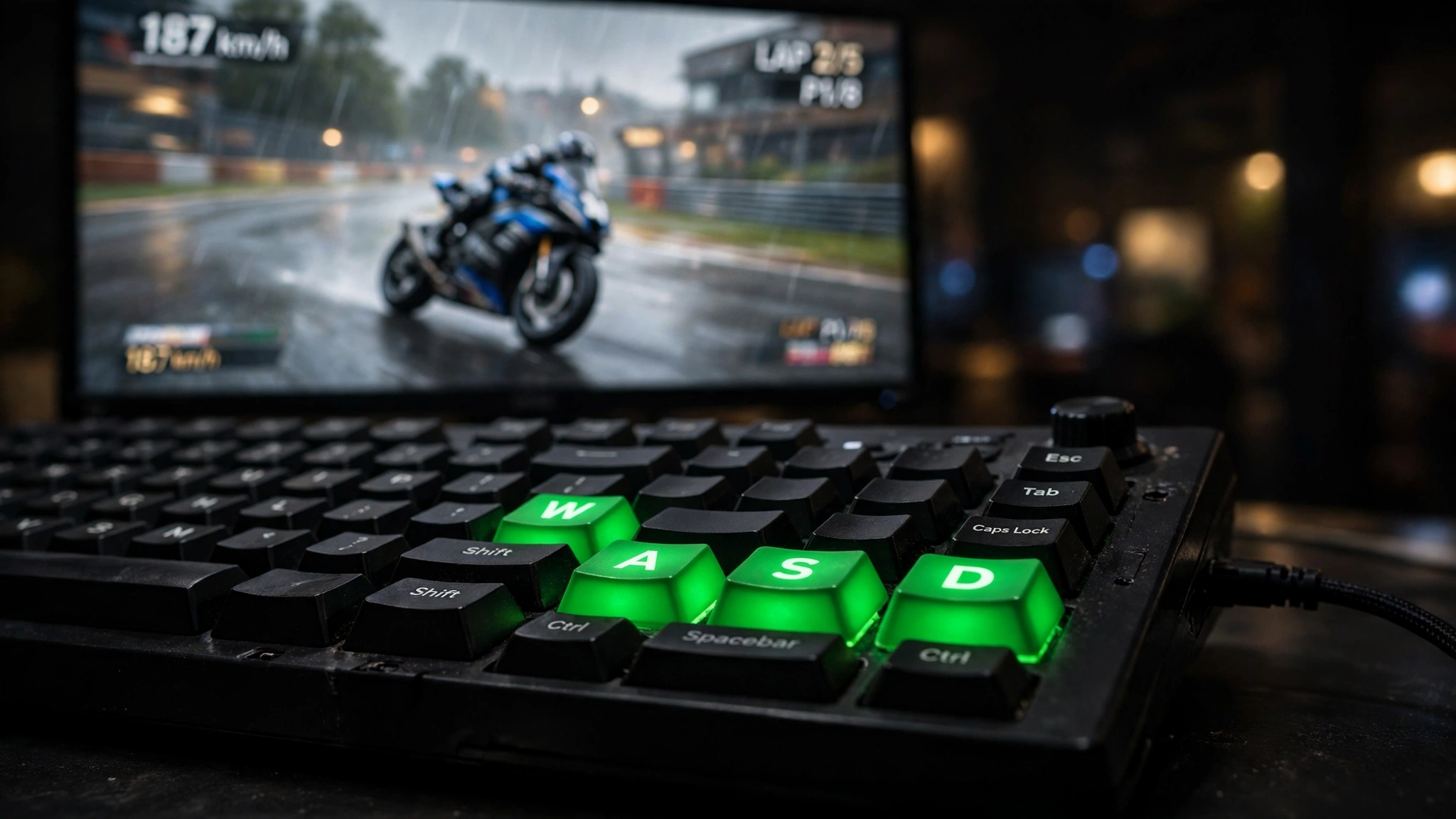
Map left and right to A and D, or to the arrow keys. Start with low sensitivity so a single key press does not throw the bike across several lanes.
Acceleration
Use W or the up arrow. Keep this key away from emulator shortcuts that could interrupt a run.
Braking
Assign S or the down arrow. Test your braking distance in Free Ride before relying on it in timed missions.
Menus
Use the mouse for the garage, upgrades, and menus. Avoid mapping too many actions until basic steering feels predictable. Gamepad support depends on the emulator’s mapping tools, not on the game itself.
Test each key in Free Ride, then save the control profile so the layout survives a restart.
Best Settings for Traffic Rider for PC
CPU and RAM
If your computer has the resources, assign two to four CPU cores and 3 to 4 GB of RAM to the emulator. Do not hand over every core or all of your memory, because Windows needs room too.
Resolution
Start at 1280 by 720 on entry-level hardware. Raise it only after the game holds a stable frame rate in heavy traffic.
Frame rate
Pick 30 or 60 FPS to suit your hardware. A steady frame rate gives more predictable steering than a higher setting that keeps dropping.
Graphics renderer
Try the emulator’s recommended renderer first. If you see a black screen or flickering textures, switch between DirectX and OpenGL and restart the emulator.
Benefits and Limitations of Traffic Rider for PC
| Benefits | Limitations |
|---|---|
| A larger view of traffic and road distance | Needs a supported PC service or an emulator |
| Custom keyboard and optional gamepad mapping | Controls need manual tuning |
| Easier screen recording and streaming | Emulators use extra CPU, RAM, and storage |
| Long sessions without draining a phone battery | Phone progress may not transfer |
| Adjustable resolution and frame rate | Modified APKs carry third-party install risk |
A computer setup is most useful for visibility, recording, and comfort. It will not improve your riding on its own, and it does not turn a modified file into an officially supported desktop edition.
Can You Run a Mod APK on a PC?
Technically yes, because an emulator can install any Android package. But a modified APK is still an unofficial Android file, and running it on a computer does not make it safer or more compatible. Compare its package name, size, and version with the source page, scan it before installing, and be ready for features that do not work as advertised. Online features and progress sync may also behave differently from the official game. If account support and automatic updates matter to you, stay with the official install.
Common Problems and Fixes
App not installed
Back up any progress, remove a conflicting older package, and confirm the file finished downloading. Check that the emulator’s Android version is high enough for the game.
Black screen
Update your graphics driver, change the emulator renderer, lower the resolution, and restart. Turn off overlays if the problem starts after your recording software opens.
Lag or stutter
Close background apps, enable virtualization, lower the resolution, and assign sensible CPU and RAM values. Leave enough memory free for the operating system.
Keyboard not working
Open the key-mapping panel, confirm each key sits over the right touch area, save the profile, and restart the game.
Game crashes
Clear the game cache, check free storage, and test the official Play Store build. Avoid clearing app data unless you accept losing local progress.
Google sign-in error
Check your computer’s date and time, update the emulator, restart it, and make sure your network is not blocking Google services.
Is Traffic Rider for PC Safe?
The official routes are the safer defaults, because the game and its updates come through Google Play. The emulator should come from its developer’s website. Avoid installers that bundle other software or promise a special cracked Windows edition.
- Keep Windows Security or another trusted scanner active.
- Keep your emulator and graphics drivers up to date.
- Think twice before signing a main Google account into an emulator you do not trust.
- Review the permissions of any APK before opening it.
- Back up progress before changing packages or emulator instances.
Frequently Asked Questions
Can I play Traffic Rider on Windows 10 or Windows 11?
Yes. Use Google Play Games on PC if the game is listed there and your computer meets the requirements. An Android emulator is the alternative.
Is there an official Traffic Rider for PC download?
Check the game’s Google Play page for a Windows option. If none appears, an emulator is the usual route. Avoid unknown standalone EXE installers.
Can I play without an emulator?
Only if Google Play Games on PC supports the game on your account and computer. Otherwise you need an emulator.
Which emulator is best?
BlueStacks has broad game features, and LDPlayer or MEmu may feel lighter on some Windows systems. The best choice depends on your hardware.
Can I install a mod APK on a laptop?
Yes, inside a compatible emulator. The APK is still an Android app, not a native Windows program, and the same risks apply.
What keyboard controls should I use?
A and D or the arrow keys for steering, W for acceleration, and S for braking. Adjust sensitivity in Free Ride.
Why is Traffic Rider for PC lagging?
Common causes are disabled virtualization, low free RAM, a high resolution, outdated graphics drivers, and too many background apps.
Will my phone progress transfer to a computer?
It depends on how the game handles account and cloud saves. A separate emulator instance may use different local data, so transfer is not guaranteed.
Final Thoughts on Traffic Rider for PC
A bigger screen makes traffic easier to read, and keyboard mapping gives you precise control once it is tuned. Start with the official Google route if it is available to you, fall back to a trusted emulator if it is not, and keep your settings modest until the game runs smoothly. Whichever route you choose, download only from official sources and keep your security tools switched on.